
Start your tree: adding your father and mother
The first steps in building your tree, where to begin and how to avoid common mistakes.
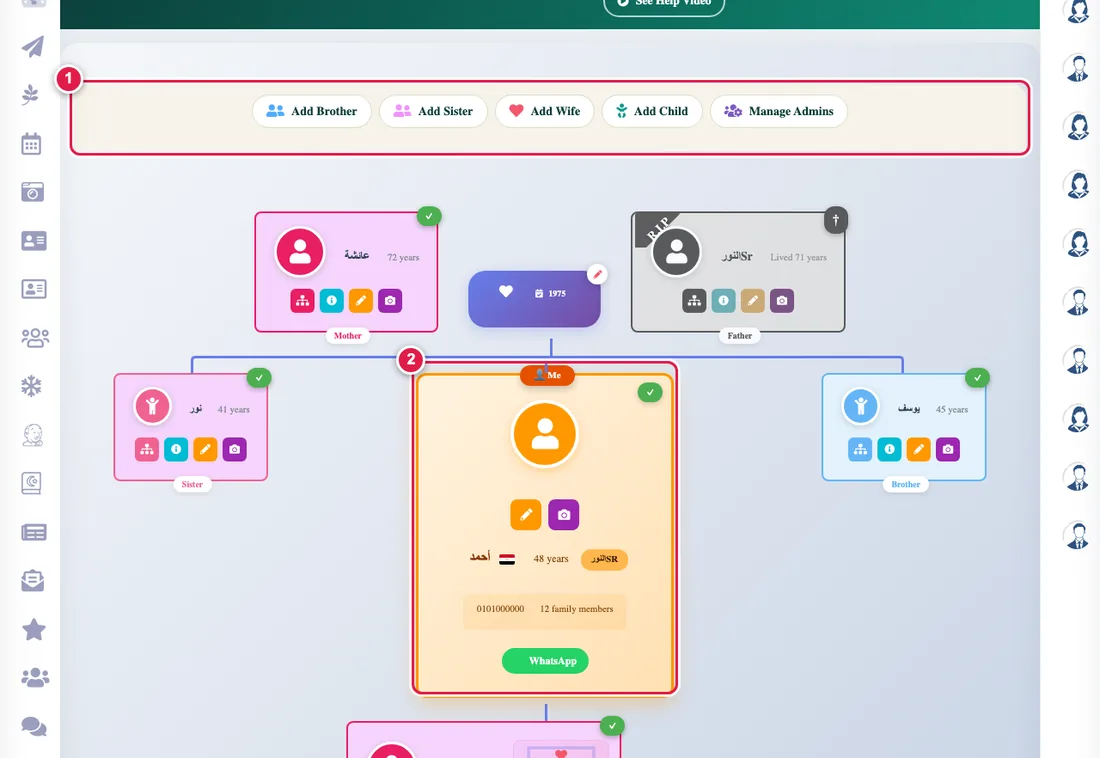
The tree is built from the top down: you start with yourself, then add your parents, then your grandparents, and so on. Each person you add is linked to the people around them automatically.
Quick steps
- Open Family tree. Your card is in the tree.
- Press your card and the add options appear. Choose Add father.
- Type the first name only (no family name), choose the country, and add the birth date if you know it.
- Do the same for the mother, then go up: your grandparents on both sides.
Rules that avoid mistakes
- Type the first name only; the father's name appears automatically from the tree.
- Do not add the same person twice. Search for them first.
- Add the wife first, then the children: children belong to a father and a mother together.
- A date of death is recorded only by the tree admin. See recording a death.
Once the close relatives are in, invite them to join the tree themselves.