
Uploading photos to the family gallery
Upload your pictures, choose who sees them, and react to your relatives' pictures.
The two pages
- Family gallery: shows the pictures of all relatives who allow you to see them.
- My photos: your own pictures, where you upload new ones and manage them.
Uploading a photo
- Open My photos and press Add photo.
- Choose the picture from your device and add a title or description if you like.
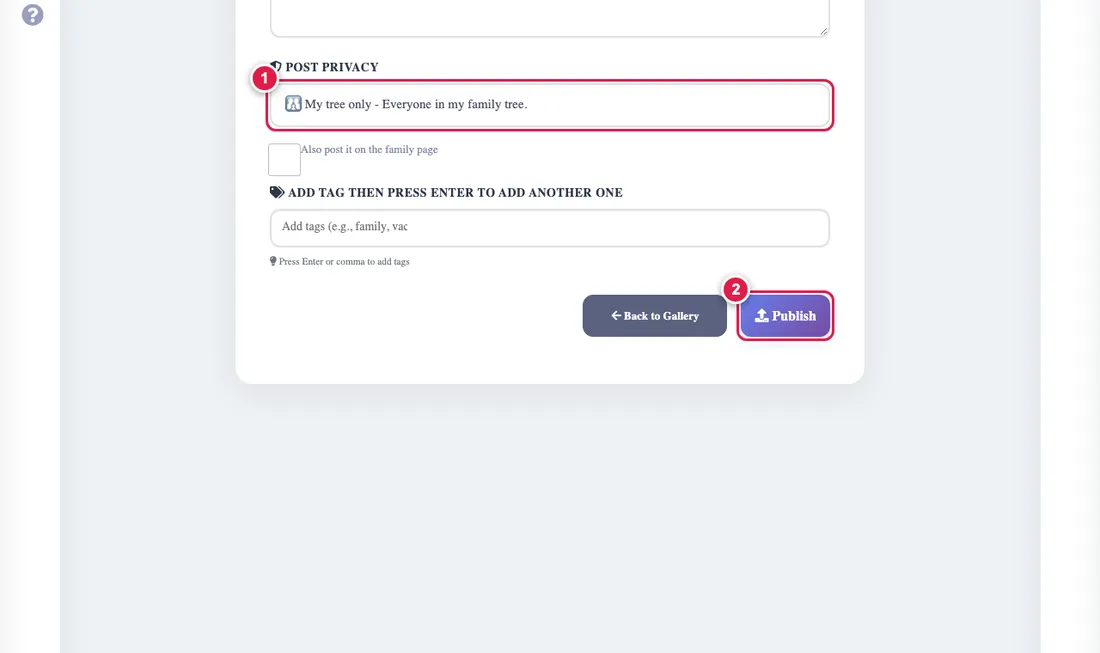
- Choose who sees it: anyone with the link, my tree, or close family. Details
- Press Save.
Reactions
Relatives can like, comment and reply, and you delete any picture you uploaded. A picture at the "anyone with the link" level has a public link you can share outside the family.
If someone's picture does not show, they marked it private, or the file is gone and a default picture shows instead of a broken one.