
The chat sidebar
Chat with relatives from any page, and see who is online and who wrote to you.
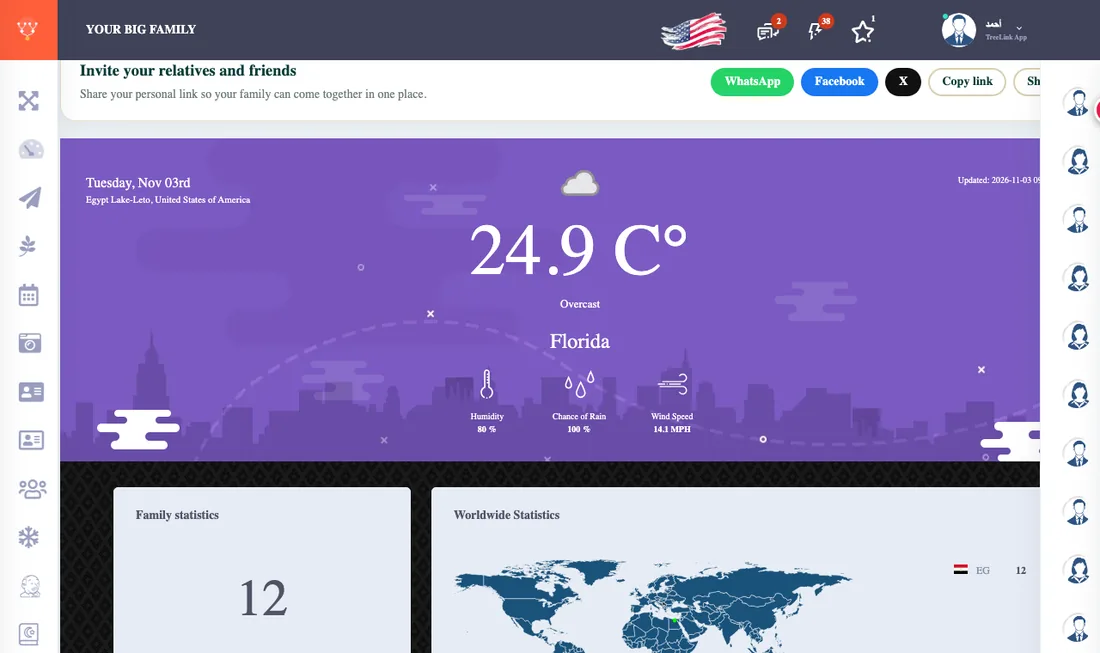
On the other edge of the screen is a strip carrying your relatives' pictures. Press someone's picture and a small chat window opens, without leaving the page you are on.
- Online / offline: a green dot beside the picture means they are online now.
- Unread messages: a red number on the picture of whoever wrote to you, with the total on the chat icon and in the tab title. They are read as soon as you open the chat.
- Search: open the expanded list and type a name to find a relative fast.
- Sound: the speaker button in the window header mutes or enables the new-message sound.
- Attaching a file: the paperclip sends a picture or PDF up to 5 MB.
- Deleting your message: the trash icon on your message. It is deleted for you and for the other person.
To see all your conversations at once open the Messages page.