
Commenting, liking and reporting
Interact with your family's posts, and report content that is not appropriate.
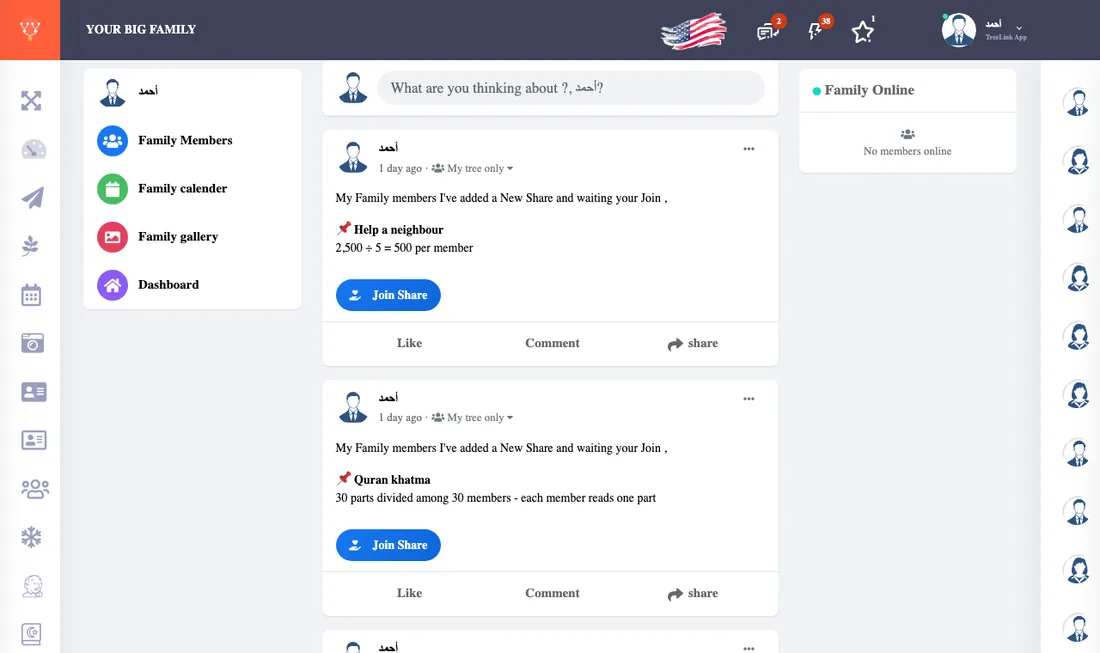
- Like: press the heart or like button under the post. Press it again to undo, and you can see who liked.
- Comment: type in the comment box under the post. If there are many, press Show more.
- Reply: press Reply under a comment to answer its writer.
- Edit or delete your comment: from the three-dot menu beside it.
Reporting
If you see inappropriate content choose Report from the post menu. The report reaches the tree's admins to review and decide. See reports for admins.