
Following children and grandchildren (with their permission)
Ask a child or grandchild to share their progress with you. Nothing is shared without their agreement, and they choose what.
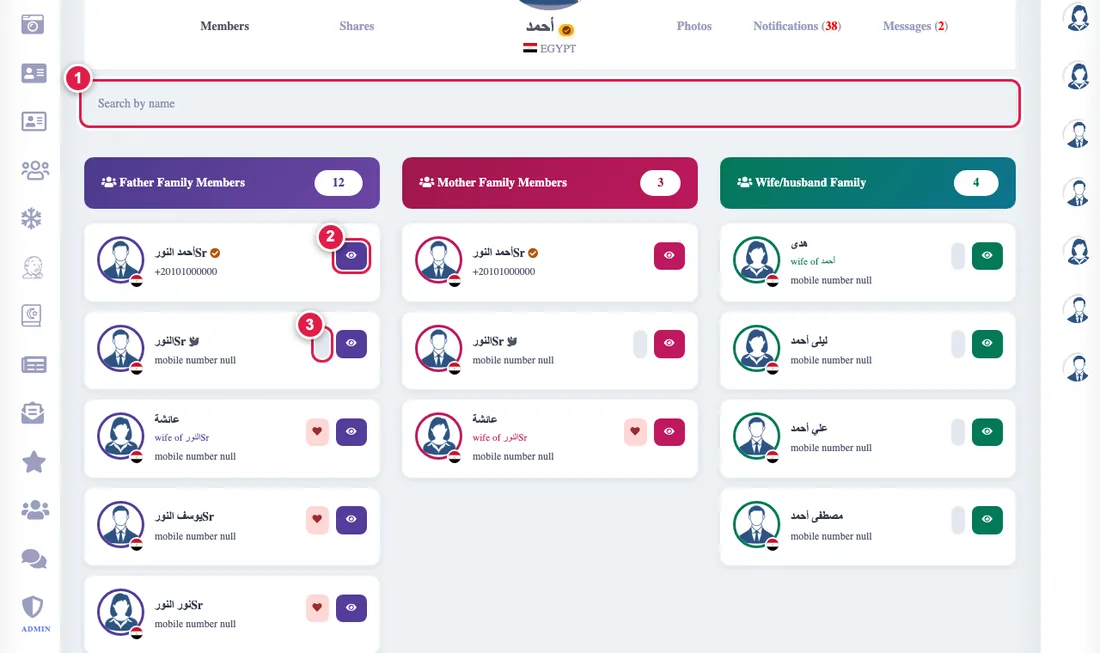
The Follow descendants page gathers the people who agreed to share their progress with you. Nobody sees anything of another person without their agreement.
If you want to follow
- On the follow page press Add, or open the relative's card in the tree and press Follow.
- They get a request and a notice. You see it under Waiting for an answer and can cancel it.
- When they accept and choose what to share, they appear in your list and you open their page to see only what they chose.
You can ask children and grandchildren who have an account (a name-only relative has no data to follow).
If you are asked to be followed
Open Who follows me (from the follow page or the notice). Accept or decline, and choose what to share: personality test result, wheel of life, quarterly missions, Quran memorization, or an activity summary (counts only). You can change your choices or stop sharing at any time, and the follower is told.
What is never shown
Sign-in details (addresses and devices), your activity log, and anything you did not choose. All of this ends when you delete your account, and it is part of Download my data.