
A tour of the dashboard
What you see on the home page after signing in and how to use it.
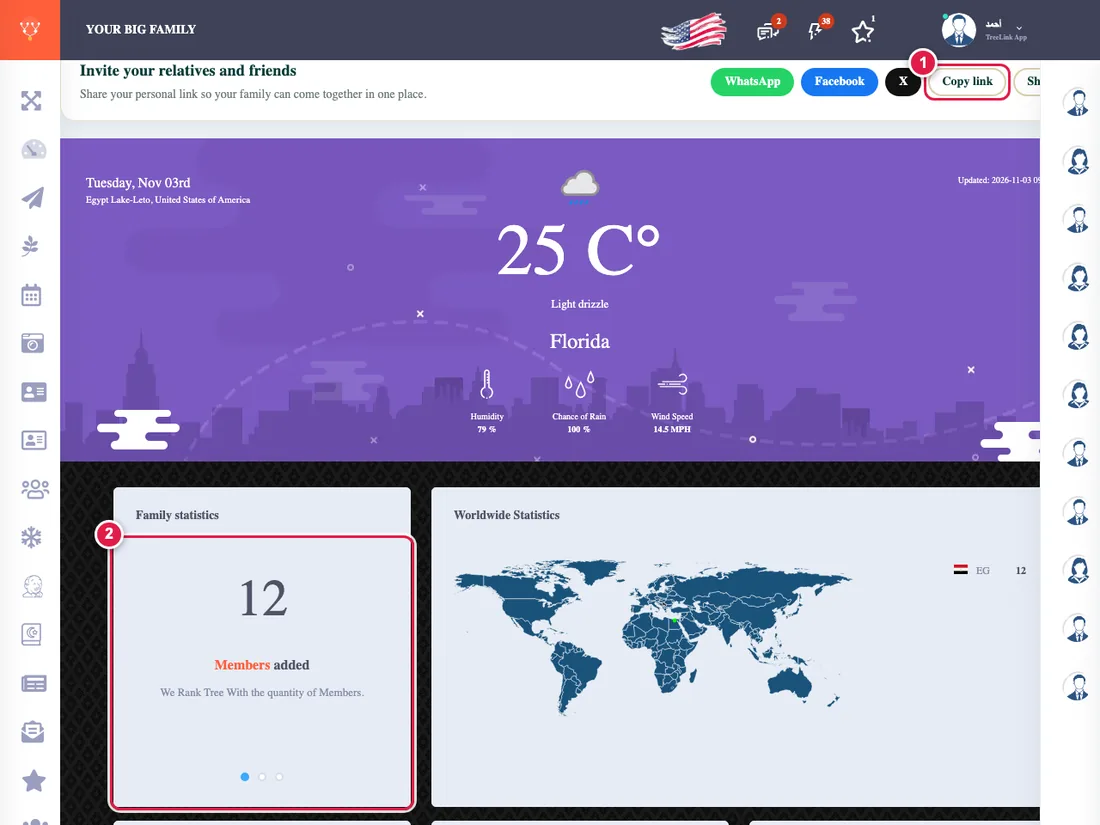
The dashboard is the first thing you see after signing in: a summary of your family and of what needs your attention today.
What is on it
- The "Start your tree in 3 steps" card for anyone who has not finished their tree. You can hide it.
- Your family in numbers: how many people, their ages, the oldest and youngest, and the age spread.
- This quarter's wheel-of-life tasks: a list you tick every day. How is the plan built?
- Smart alerts that remind you of birthdays, payments and what is missing. Smart alerts
- Invitation buttons with your personal link, to invite by WhatsApp.
If a section is not here it may be switched off for your tree. See I cannot find a page in the menu.