
Menus and changing the language
How to move between pages, expand the side menu and change the language.
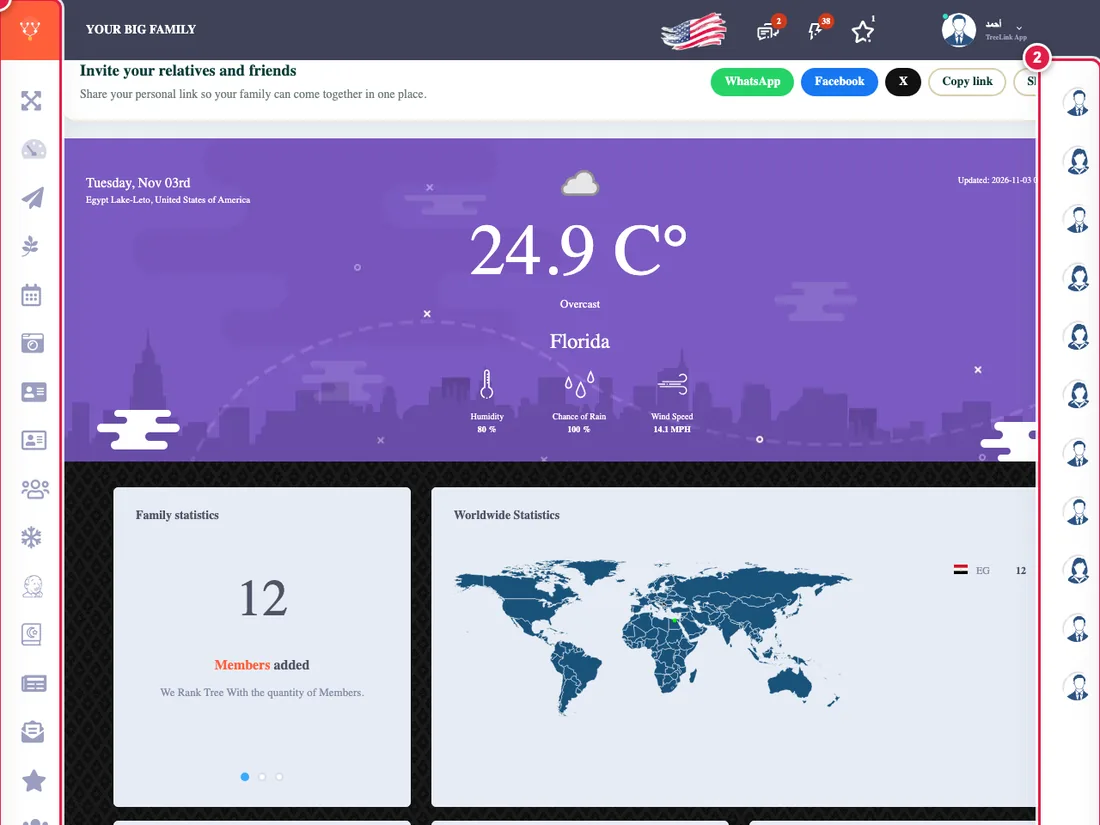
The side menu
Along the edge of the screen is a strip of icons, one per section. Press the expand icon at its top to show the names next to the icons. If the menu is taller than the screen, scroll it down to reach the rest.
On a phone
The menu is a small button in the corner. Press it and a full menu opens over the screen, then pick a section.
Changing the language
Choose the language at the top of the page. The app works in several languages, with Arabic as the base. Help articles may show in English when they are not available in yours.
Help and search
The question-mark icon in the menu opens this help center, whose search suggests articles as you type.