
The wheel plan and daily tasks
Spread your tasks over the quarters, let the app build a plan, and tick them off every day from the dashboard.
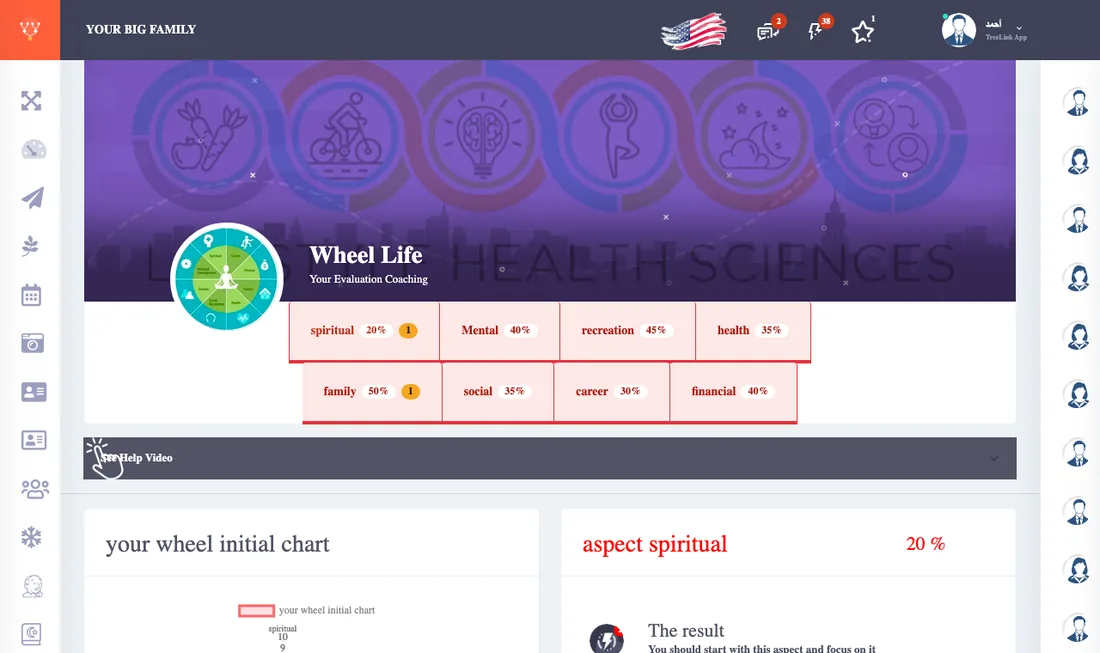
After the result the wheel suggests tasks for every area that needs improving. You put the ones you want in your plan.
Building the plan
- The automatic plan: press Fill my plan and choose your pace (light: up to 3 per quarter, balanced: up to 5, or everything the test found), and the tasks are spread over the four quarters, weakest area first. To rebuild from scratch press Start the plan again; what you finished stays.
- By hand: choose Add to a quarter, or All quarters (to do regularly) to make it a regular task, Move to to change the quarter, and Remove from the plan to drop it.
- "Not in your plan yet": a list of what the test found and you have not put in a quarter, so nothing is forgotten.
Every day
This quarter's tasks show on the dashboard as a list. Tick a task when you do it, once a day, and you can undo it. When you finish all of today's tasks a congratulation appears.
The list updates as soon as the plan changes.